The Motorist guide to digital drivers license in the Philippines
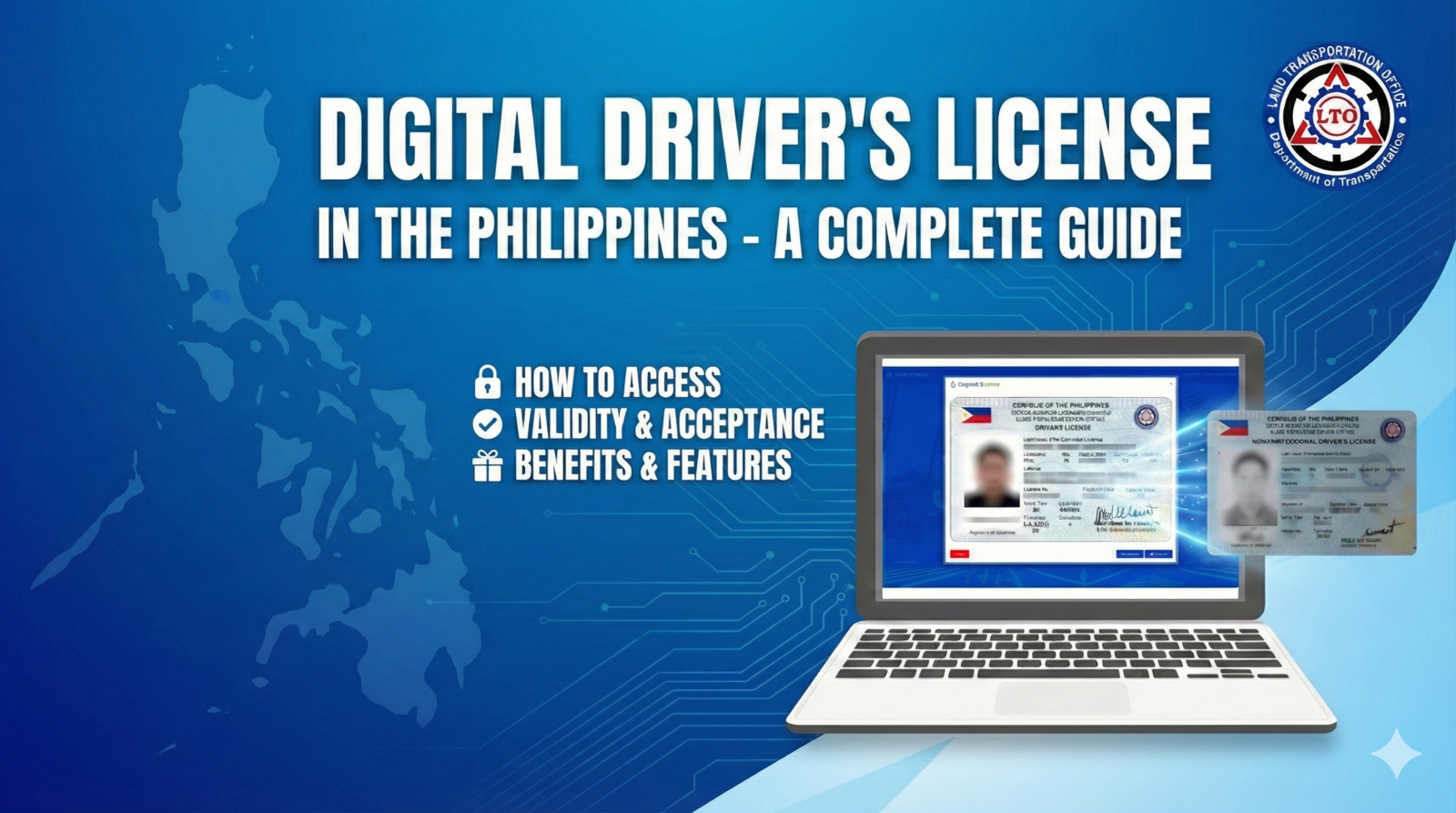
Everything You Need to Know about the Philippine Digital LTO License
Gone are the days when you needed to carry a physical driver’s license to prove your driving credentials. The Philippine Digital LTO License offers a modern, convenient, and secure way to carry your driver’s license right in your smartphone. With the rise of digital services and innovations, the LTO Portal has revolutionized the way Filipino drivers access their licensing information and complete LTO-related transactions. But, how does it all work?
This article will guide you through everything you need to know about the Digital LTO License, including how to access it, the benefits of using it, and how it can save you time and effort with your LTO-related processes.
What is the Digital LTO License in the Philippines?
The Digital LTO License is an official, government-approved digital version of your physical driver’s license. It’s issued through the LTO Portal, allowing you to store a digital copy of your driver’s license on your smartphone. This digital license is legally recognized and serves as an alternative to the physical card for certain purposes.
By digitizing this critical document, the Philippine government has made it easier and more accessible for drivers to carry and use their licenses without having to worry about losing the physical card or forgetting it at home.
How to Get Your Digital LTO License in the Philippines
Getting your Digital LTO License is simple and can be done in a few steps. Here's how to get started:
Step 1: Register on the LTO Portal
To access your digital license, you need to register on the LTO Portal (https://portal.lto.gov.ph/). If you haven’t registered yet, you will need to create an account with your personal details, including your Driver’s License number, date of birth, and other identifying information. This ensures that your account is linked to the official records of the Land Transportation Office (LTO).
Step 2: Download the LTO Mobile App
Once you’re registered, download the LTO mobile app on your smartphone from the Google Play Store or Apple App Store. The app is free to download and allows you to access your digital license at any time.
Step 3: Access Your Digital License
After logging into the app, you can access a digital version of your driver’s license. This will include the same information as your physical license: name, address, birthdate, license number, and expiration date.
You can use this digital version for most purposes, such as showing it to traffic enforcers or other authorities, and even for completing LTO-related transactions such as registration renewal or change of address.
Step 4: Keep It Updated
Your digital license must reflect accurate and updated information. Make sure to renew your digital license when your physical license expires. The app provides real-time updates when your license needs renewal or any changes are required.
Key Benefits of Using the Digital LTO License
There are numerous advantages to carrying your Digital LTO License on your smartphone. Here’s a breakdown of the key benefits:
1. Convenience and Accessibility
You no longer have to carry your physical driver’s license everywhere you go. With the Digital LTO License, all you need is your smartphone to access your official credentials. You can simply open the LTO app whenever you need it.
2. Secure and Reliable
The Digital LTO License is securely stored in the LTO Portal, and the app uses authentication measures to ensure that your information is protected. Plus, you have the ability to instantly lock the app in case of theft or loss of your phone.
3. Reduced Risk of Loss or Damage
Unlike physical licenses, which can easily be lost, damaged, or stolen, your digital license is stored on your phone, reducing the risk of losing it and the inconvenience of having to replace it.
4. Instant Access to LTO Services
The LTO Portal is not just for accessing your digital license. You can also complete various LTO transactions directly through the portal, including vehicle registration, license renewals, and address changes.
How to Use the Digital LTO License for Transactions
Aside from simply displaying your license digitally, the LTO Portal allows users to take full advantage of other LTO services. These include:
Renewing your driver’s license: You can request for your driver’s license renewal through the LTO mobile app without having to visit an LTO office.
Registering your vehicle: The app offers an easy way to complete vehicle registration renewals and other related tasks.
Tracking your transaction status: Check the progress of any ongoing LTO transactions, such as license application status and vehicle registration.
What Are the Limitations of the Digital LTO License?
While the Digital LTO License is a great convenience, there are some important limitations to note:
1. Limited Acceptance for Certain Transactions
Some government agencies or private entities may still require a physical license for certain transactions, especially for official documents or notarization purposes.
2. Internet Access Needed
To access and update your digital license, you will need an internet connection. If you’re in an area without good connectivity, accessing your license can be challenging.
Expert FAQ Section
1. Is the Digital LTO License valid in the Philippines?
Yes, the Digital LTO License is legally valid and recognized by traffic authorities in the Philippines for most purposes, including identification and law enforcement checks.
2. Can I use the Digital LTO License for driving?
Yes, the Digital LTO License can be used just like the physical card for traffic-related matters such as checkpoints and traffic violations.
3. How do I update my Digital LTO License?
Your Digital LTO License is automatically updated through the LTO Portal and app. Any changes to your license status, such as renewals or address updates, are reflected in the app in real-time.
4. What if I lose my phone with the Digital LTO License?
If you lose your phone, you can immediately lock the LTO app from the app settings to protect your information. Alternatively, you can report the issue to the LTO support team.
5. Can I access the Digital LTO License offline?
No, the Digital LTO License requires an internet connection for accessing and updating your information.
Why You Should Choose Motorist Philippines
Motorist Philippines is the ultimate platform to sell your car while leveraging free car valuations. Whether you’re upgrading to a new vehicle or simply need a reliable partner, Motorist offers:
Hassle-free car selling process through our trusted network of buyers.
Instant free car valuations to help you make an informed decision.
Access to professional guidance for all your vehicle transactions.
Visit www.motorist.ph today or download the Motorist Super App to get the best price for your car and experience an easy, secure way to sell your vehicle.