How to pay your MMDA traffic tickets online in the Philippines: The Motorist guide
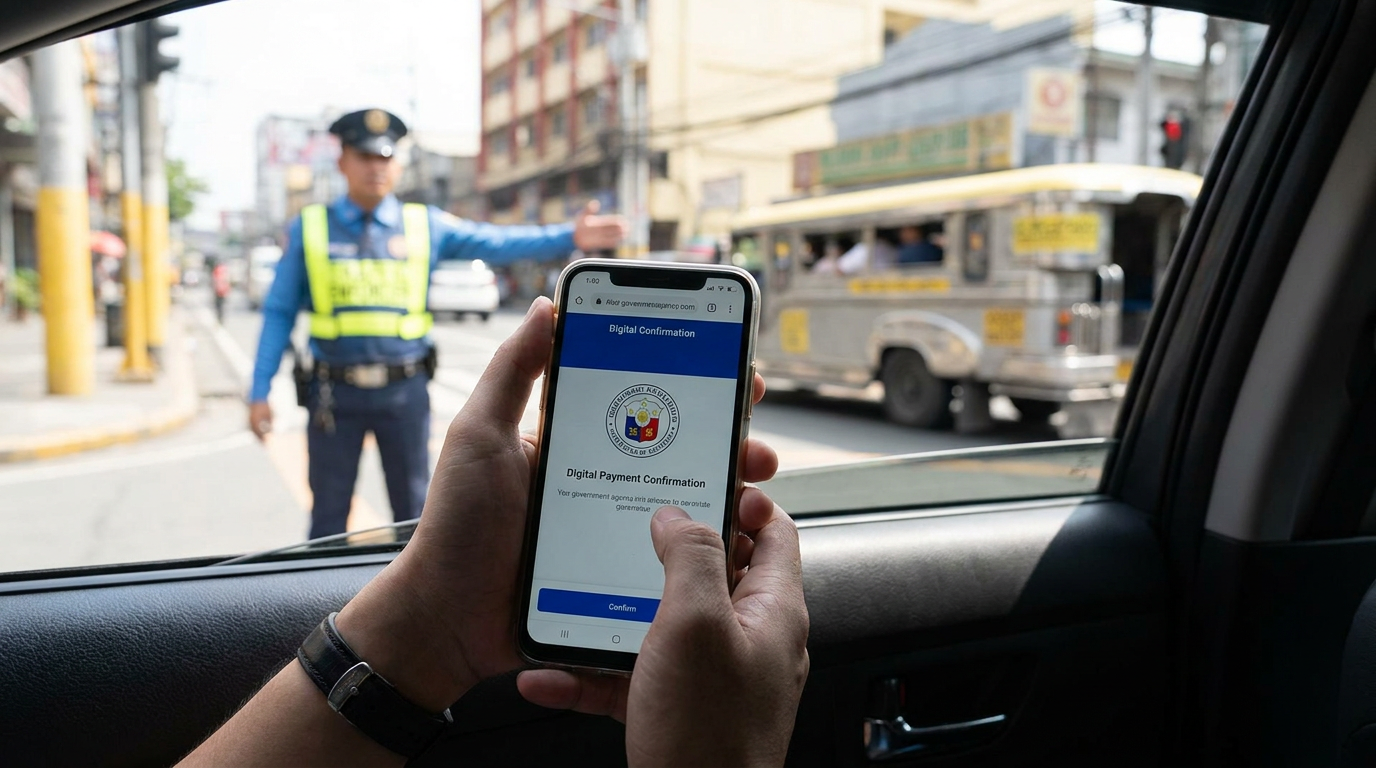 How to Pay MMDA Traffic Tickets Online in 2026
Step 1: Verify Your Traffic Violation
Visit the official MMDA portal or the Land Transportation Management System (LTMS) to verify the status of your ticket. You will need your exact ticket number or driver’s license number to pull up the specific violation details and exact fine amount.
Step 2: Generate a Reference Number
Secure your payment reference number through the portal's integrated billing system. You cannot simply send money to an MMDA bank account; you must use this specific 14-digit code so the system automatically tags your specific violation as paid.
Step 3: Process the Digital Payment
Log in to your preferred e-wallet (like GCash or Maya) and navigate to the "Government Bills" section. Enter your payment reference number, input the exact fine amount, and complete the transaction.
Step 4: Keep the Digital Receipt
Screenshot your confirmation page and save the transaction reference number provided by your e-wallet. The MMDA system typically takes 24 to 48 hours to fully synchronize with the LTO database and lift any pending alarm tags
| Feature / Step | Traditional MMDA Office | Online E-Wallet Payment |
| Location | Orense, Makati City | Anywhere via smartphone |
| Processing Time | 2 to 4 hours | Under 5 minutes |
| Clearance Speed | Immediate | 24 to 48 hours to sync |
| Processing Fees | None | ₱15 to ₱30 convenience fee |
EXPERT TIP
Always settle your MMDA traffic tickets within 7 days of apprehension. Failing to pay within the 7-day grace period automatically escalates the ticket, and the MMDA will officially request the LTO to place an alarm tag on your vehicle or driver's license.
COMMON MISTAKE
Do not attempt to pay your ticket online if your physical driver's license was confiscated by the traffic enforcer. If your card was confiscated, you are strictly required to personally visit the MMDA Redemption Center in Makati to claim it.
Settling your MMDA traffic tickets is incredibly convenient thanks to the 2026 digital payment gateways. By paying your fines promptly through your e-wallet, you maintain a clean driving record and ensure a hassle-free LTO registration renewal.
FAQs
Q1: Can I pay MMDA tickets through GCash?
Yes, you can pay MMDA fines via GCash by selecting "Bills," then "Government," and choosing the MMDA billing option.
Q2: How long does it take to lift the LTO alarm after paying?
It typically takes 24 to 48 hours for the MMDA payment database to sync and notify the LTO to lift the active alarm.
Q3: What happens if I ignore an MMDA traffic ticket?
Ignoring a ticket results in an LTO alarm tag, completely preventing you from renewing your driver's license or car registration.
Q4: Can I contest an MMDA ticket online?
No, if you wish to formally contest an apprehension, you must file a written protest at the MMDA Traffic Adjudication Division within 7 days.
Q5: Are NCAP (No Contact Apprehension) fines paid the same way?
NCAP fines issued by specific Local Government Units (LGUs) have their own dedicated city portals and must be paid directly to that specific city, not the MMDA.
Q6: What if I lose my physical traffic ticket?
You can retrieve your ticket details by logging into the MMDA portal using your driver's license number or license plate.
Q7: Do I need a clearance certificate after paying?
While the digital receipt is usually enough, you can request a formal MMDA Clearance Certificate if you need to manually lift an LTO alarm quickly.
Q8: Can someone else pay the online fine for me?
Yes, anyone can process the online e-wallet payment as long as they input your correct 14-digit payment reference number.
Visit Motorist Philippines today to get a free, data-driven car valuation and navigate your vehicle ownership effortlessly!